
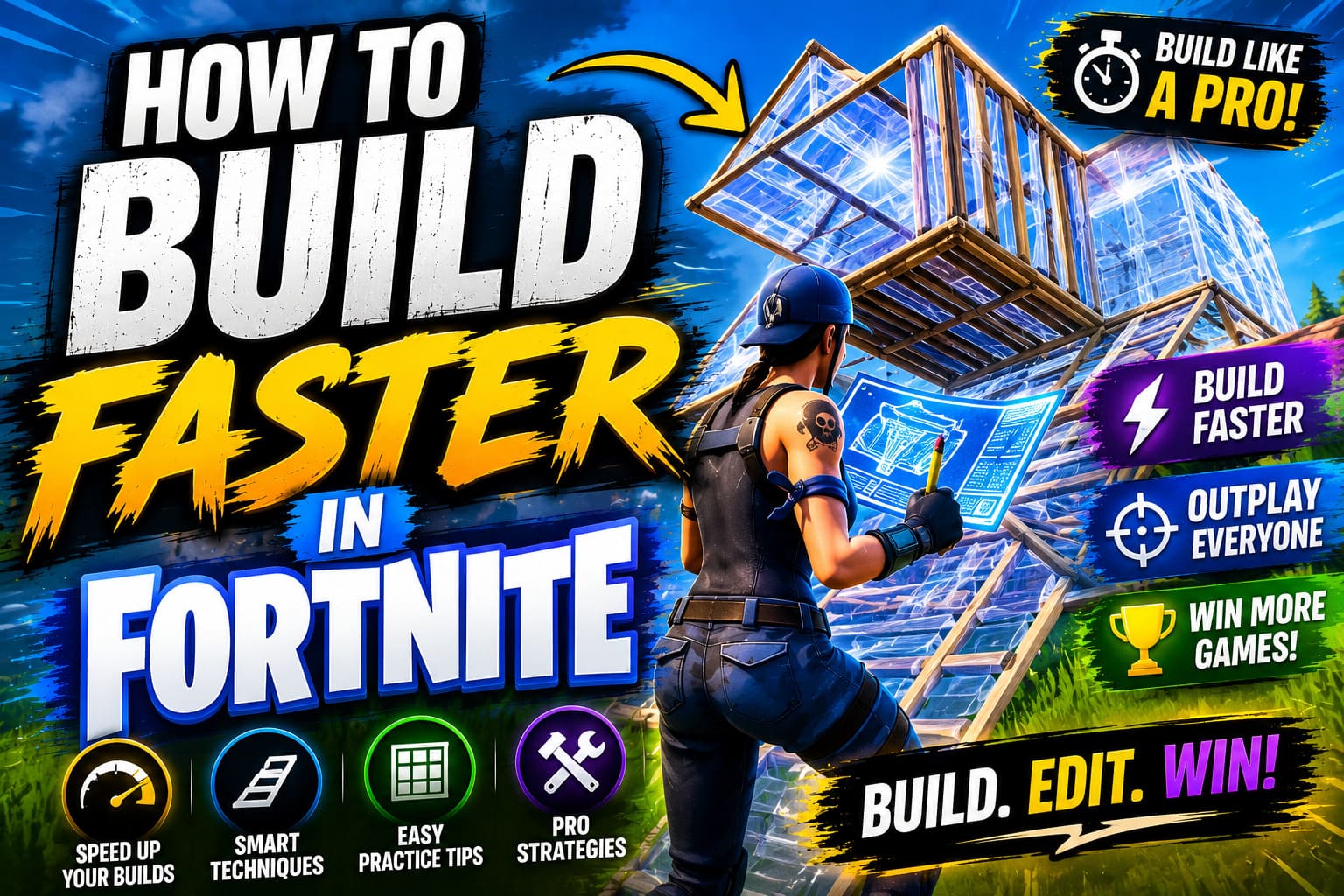
Building is the cornerstone of Fortnite gameplay. It’s what separates casual players from competitive warriors, and it’s the skill that can turn a losing fight into a triumphant victory. Whether you’re interested in climbing the ranks in competitive playlists or simply want to dominate your friends in casual matches, learning how to build faster is absolutely essential. In this comprehensive guide, we’ll explore every aspect of speeding up your building capabilities, from basic mechanics to advanced techniques that professional players use.
Introduction: Why Building Speed Matters
Fortnite’s building system is unique among battle royale games. Unlike other titles where players are limited to predefined structures and cover, Fortnite gives you the freedom to create your own environment in real-time. This mechanic is both thrilling and demanding, requiring split-second timing, precise mouse or controller movements, and an understanding of spatial awareness.
Building speed isn’t just about quickly throwing up walls when you’re being shot at—although that’s certainly important. It’s about crafting three-dimensional structures that give you height advantage, maintaining defensive positioning, and executing aggressive plays that catch opponents off-guard. The faster you can build, the more options you have in combat, and ultimately, the better your chances of securing that Victory Royale.
Part 1: Optimizing Your Control Setup and Hardware
Choosing the Right Sensitivity Settings
The foundation of building speed begins with your controller or mouse sensitivity. This is perhaps the single most important factor that new players overlook. Your sensitivity directly impacts how quickly you can make precise movements needed for building.
For Mouse and Keyboard Players: Most professional Fortnite players use sensitivity settings between 8-12 in-game sensitivity. This is a starting point that allows for quick building while maintaining accuracy. Your effective sensitivity is also determined by your DPI (dots per inch) setting on your mouse. A common setup among pros is 400 DPI with 10% in-game sensitivity, which equates to approximately 40 edits per 360-degree turn.
The key is finding a balance. Too high a sensitivity makes your crosshair jumpy and hard to control during build fights. Too low, and you’ll waste precious milliseconds rotating your view or building structures. Spend time in creative mode experimenting with different settings until you find what feels natural.
For Controller Players: Controller players typically use sensitivities between 8-10, with many professionals preferring 9 or higher. Controller building requires different considerations than keyboard and mouse, primarily because you can’t make instantaneous 180-degree turns. However, advanced techniques like “claw grip” or using an Elite controller with back paddle bindings can significantly increase your build speed.
Investing in Quality Hardware
You don’t need expensive equipment to be good at Fortnite, but quality gear does make a difference. Consider these hardware recommendations:
Mouse: A lightweight gaming mouse with a high polling rate (at least 1000Hz) will give you more responsive controls. Popular choices among pro players include the Logitech G Pro X Superlight, Razer Viper, and Finalmouse Ultralight.
Keyboard: Any mechanical keyboard works well, but look for one with fast actuation switches. Some players prefer linear switches (like Lunas or Reds) for building because they require less force to activate.
Monitor: A monitor with high refresh rate (144Hz or higher) and low response time is crucial. Seeing more frames per second gives your brain more information, allowing you to react faster to enemy movements and build more efficiently.
Gaming PC: Building in Fortnite is CPU and GPU intensive. Maintaining consistent high frame rates (ideally 240+ fps) is essential for competitive building. A solid gaming PC with a good graphics card ensures smooth gameplay.
Part 2: Mastering Basic Building Mechanics
Understanding Build Priority and Piece Placement
Before you can build fast, you need to understand the fundamentals of how pieces place in Fortnite. Each structure—walls, ramps, floors, and roofs—has specific placement rules and priority systems.
When you place a piece, it appears slightly ahead of you based on where your crosshair is pointing. Mastering this predictive placement is crucial for faster building. In creative mode, practice placing individual pieces without building. Get a feel for exactly where walls will appear relative to your crosshair position.
Wall Placement: Walls are your primary defensive tool. They place directly in front of your crosshair at middle distance. When building defensively, aim for your opponent’s center mass to ensure the wall blocks their shots.
Ramp Placement: Ramps give you height advantage and are essential for aggressive plays. They place forward and slightly upward from your position, which means you need to understand the angle to place them correctly for the effect you want.
Floor Placement: Floors are underrated by many players but are crucial for advanced building. They prevent fall damage and can be used to block incoming grenades or explosives.
Roof Placement: Roofs (pyramids) are primarily used for protecting yourself from aerial threats or creating cover from grenade damage.
The Two-Story Wall and Ramp
One of the most fundamental building techniques is the two-story wall and ramp combo. This builds both height and protection simultaneously. Here’s how it works:
- Place a wall in front of you
- Place a ramp directly behind that wall (so you can build the ramp through the wall)
- Place another wall in front of the ramp
- Place another ramp behind that wall
This creates a staircase structure that gives you height while keeping you protected. Practice this in creative mode until you can do it smoothly without thinking about it. This is the building foundation you’ll use in nearly every fight.
Editing Your Structures
Building fast means nothing if you can’t edit your structures quickly. Editing is the act of removing pieces from your created structures to create doorways, windows, or ramps for peeking and shooting.
To edit quickly, you need:
- A dedicated edit button (don’t use the same button as build)
- Practice recognizing common edit patterns
- Quick reflexes to confirm your edits
The most common edits are:
- Door edit: Remove the center of a wall
- Window edit: Remove the right or left side of a wall
- Diagonal edit: Create a triangular opening in a wall
- Corner edit: Open two adjacent walls to create a corner peek
Spend at least 15 minutes daily practicing edits in creative mode. Use aim training courses that specifically focus on editing speed. Your goal should be to complete each edit in less than 0.3 seconds.
Part 3: Keybinding Strategies for Maximum Speed
Optimizing Your Build Key Layout
Your keybindings are absolutely critical to building speed. A poor layout will bottleneck your gameplay, no matter how fast your reflexes are.
Common Binding Strategies:
Option 1: Scroll Wheel Binds (Most Popular) Many top players use their mouse scroll wheel to change building pieces. This is incredibly fast because you can pre-aim your building piece mid-fight simply by scrolling. A typical setup might be:
- Scroll Up = Ramp
- Scroll Down = Wall
- Side Mouse Button = Floor
- Another Button = Roof
Option 2: Number Keys (Classic) Using number keys 1-4 for different pieces is straightforward but requires more hand movement:
- 1 = Wall
- 2 = Ramp
- 3 = Floor
- 4 = Roof
Option 3: Hold-to-Build Some players use a modifier key (like shift or thumb mouse button) combined with their normal keys. For example, holding shift and pressing left-click places a wall, holding shift and right-click places a ramp.
Option 4: Controller Binds Controller players should utilize all available buttons. Consider using an Elite controller or claw grip to access more buttons simultaneously. Many pro controller players map:
- Right Bumper = Wall
- Left Bumper = Ramp
- Right Trigger (held) = Build mode
- Back paddles = Floor and Roof
The Importance of Consistent Bindings
Whatever binds you choose, consistency is paramount. Don’t change your keybindings every week. Pick a setup that feels intuitive and stick with it for at least a month. Your muscle memory needs time to develop, and constantly switching will only slow your progress.
Part 4: Advanced Building Techniques
Double Edits and Turbo Building
Once you’ve mastered basic building, double edits take your speed to the next level. A double edit involves editing two structures in quick succession, often to create unexpected angles for peeking or shooting.
For example, you might edit a wall to create a window, and simultaneously edit the floor above to peek over an enemy’s defenses. With practice, these can be performed in under half a second, giving opponents no time to react.
Turbo building refers to holding down your build button to continuously place structures. This is useful for quickly building walls when you’re receiving fire, but many advanced players actually avoid turbo building for specific pieces (like ramps) because controlled placement is more efficient.
Tunneling and Speed Editing
Tunneling is a defensive technique where you build a tunnel around yourself while moving forward. This technique involves rapidly placing walls, ramps, and floors to create a protective tube. Tunneling at high speed requires:
- Predictive piece placement
- Smooth aim transitions
- Consistent timing
Practice tunneling in a straight line across the map in creative mode, timing how long it takes you to cover 100 meters. As you improve, you should be able to tunnel at increasingly faster speeds.
High Ground Retakes and Offensive Building
Building isn’t only about defense—aggressive building determines fights. A high ground retake is when you build above an opponent who currently has the height advantage. This is one of the most important skills to master.
The most efficient retake involves:
- Building a ramp directly at your opponent
- Building a wall on top to protect from their shots
- Building another ramp through the wall to maintain momentum
- Continuing upward until you’ve secured height
The speed of your retake determines whether you successfully claim high ground or get shot down mid-attempt. Practice retakes in 1v1 creative arenas until you can consistently secure height against skilled opponents.
Part 5: Practice Routines and Training Methods
Creative Mode Drills
The fastest way to improve building speed is through dedicated practice in creative mode. Here’s a structured routine:
Warm-up (10 minutes):
- Place individual pieces in a grid pattern for 2 minutes
- Practice editing a single wall 50 times, aiming for consistency
Build Technique Practice (15 minutes):
- Two-story wall and ramp combos: 100 repetitions
- 90s (quick building height with walls and ramps): 50 repetitions
- Tunneling: tunnel for 100 meters, 3 times
- High ground retakes: 20 retakes against a bot or friend
Editing Drills (10 minutes):
- Complete door edits 30 times
- Complete window edits 30 times
- Complete corner edits 20 times
- Speed editing race against a friend
Free Build (10 minutes):
- Build freely in creative, focusing on smooth transitions between techniques
- Experiment with new strategies and combinations
Aim Training in Creative Arenas
While pure building speed is important, you also need to combine it with combat effectiveness. Practice in creative 1v1 arenas against skilled opponents. These matches force you to build defensively while maintaining your own offensive pressure.
Aim to complete at least 5-10 arena matches per practice session, focusing on building efficiency rather than just building volume.
Analyze Professional Players
Watch streams and YouTube videos of professional Fortnite players. Pay attention to:
- How they position their structures
- When they choose to build versus rotate
- Their piece placement timing
- How they recover from disadvantageous situations
Notable pro builders to study include: Mongraal, Clix, Tfue, and Bizzle. Watch their creative mode streams and competitive matches to understand the difference between casual building and tournament-level play.
Play Competitive Matches
Ultimately, the best practice is real competition. Jump into competitive playlists and Arena mode. The pressure of actual combat will reveal gaps in your building that practice can’t always expose. Don’t get discouraged by losses—each match is a learning opportunity.
Part 6: Common Mistakes That Slow You Down
Overthinking Your Builds
Many players overthink their structures, trying to build the “perfect” fortress instead of rapid-fire efficient pieces. In high-speed combat, speed trumps complexity. A quick wall-and-ramp combo beats an elaborate structure that takes three seconds to complete.
Poor Resource Management
Building consumes materials, and running out of resources is a common issue. Manage your materials wisely by:
- Looting efficiently when you land
- Breaking environmental structures to gather mats mid-fight
- Not overbuilding when you have a clear disadvantage
Inconsistent Piece Placement
One of the most frustrating mistakes is placing pieces inconsistently. If your walls sometimes appear one foot in front of you and sometimes three feet, your building will feel clunky. Spend time drilling basic piece placement until it’s automatic.
Ignoring Monitor Placement and Visibility
Even if you can build fast, you won’t build effectively if you can’t see properly. Keep your monitor at eye level, sit at appropriate distance, and ensure good lighting. Visibility issues will slow your reaction time and building speed.
Not Adapting Binds to Your Playstyle
Your binds should match your natural tendencies. If you’re right-handed and constantly needing to place ramps, putting ramps on a button requiring left-hand movement wastes precious milliseconds. Customize your setup to minimize hand travel distance.
Part 7: Mental Aspects of Fast Building
Building Under Pressure
Building speed in creative mode is different from building in actual combat. Pressure, anxiety, and adrenaline all affect your performance. Develop mental resilience through:
- Breathing techniques: Take deep breaths between fights to maintain calm
- Positive self-talk: Remind yourself that you’ve practiced these builds thousands of times
- Visualization: Before logging in, visualize successful build sequences
- Stress inoculation: Practice in slightly above-your-level matches to build tolerance for pressure
Flow State and Autopilot Building
The goal is to build without consciously thinking about individual keystrokes. This is called “autopilot” or achieving a flow state. When you’re in flow, your hands move automatically while your brain focuses on strategy and opponent positioning.
To reach this state:
- Master the fundamentals through repetition
- Play at a pace where you’re challenged but not overwhelmed
- Practice consistently without long breaks
- Trust your muscle memory
Analyzing Your Building Mistakes
After each practice session or match, reflect on moments where you built slowly or inefficiently. Did you hesitate on a piece placement? Did you struggle with an edit? Identify these bottlenecks and address them specifically in your next session.
Part 8: Adapting to Different Situations
Building in Duos and Squads
Building speed takes on different meaning in team modes. You need to coordinate structures with teammates and be mindful of friendly fire. Communication is key—call out when you’re building walls or ramps to avoid collisions with teammates.
In team fights, one player might focus on aggressive building while others provide cover fire. Master the ability to switch roles as needed.
Adapting to Different Opponents
Not every opponent requires the same building approach. Against newer players, aggressive building often wins. Against experienced players, efficient building combined with smart positioning is essential. Adjust your building style based on your opponent’s skill level and apparent weaknesses.
Building in Different Zones
As the storm closes, building styles change. In early-game open areas, you might build more freely. In late-game tight quarters, building efficiency matters even more because space is limited and materials are precious.
Part 9: Latest Meta and Updates
Fortnite’s building mechanics evolve with game updates. Recent changes have affected building speeds and strategies:
- Turbo build nerf: Building speed was reduced through turbo building limitations, requiring more intentional piece placement
- New structure types: Seasonal updates introduce new building options that require practice
- Weapon adjustments: Different weapons create different building scenarios
Stay informed about patch notes and adapt your building strategies accordingly. What worked last season might be outdated now.
Conclusion: Your Building Speed Journey
Building faster in Fortnite is a journey, not a destination. It requires dedication, practice, and a willingness to constantly refine your skills. The good news is that every session in creative mode brings measurable improvement. After one week of consistent practice, you’ll notice your building feels smoother. After one month, opponents will notice your improved structure control.
Remember that building speed is just one component of being a great Fortnite player. Combine your improved building with:
- Sharp aim and tracking
- Game sense and positioning
- Decision-making under pressure
- Situational awareness
The players who dominate Fortnite aren’t just the fastest builders—they’re the smartest ones who know when and how to build effectively.
Start implementing these techniques today. Drop into creative mode, put on your favorite music, and commit to improving your building speed. Set weekly goals, track your progress, and celebrate the small victories. Before long, you’ll find yourself building at speeds you never thought possible, and watching your opponents struggle to keep up will be incredibly satisfying.
The competitive Fortnite scene needs great builders. The question is: will you be one of them?
Final Tips for Rapid Improvement:
- Dedicate at least 30 minutes daily to building practice
- Record yourself and watch back to identify inefficiencies
- Join a Discord community focused on building
- Play against opponents better than you
- Never give up—even the pros spent hundreds of hours perfecting their craft
Your building speed journey starts now. Build fast, build smart, and most importantly, have fun while you improve!
